
Loading…
Loading…
Companion App
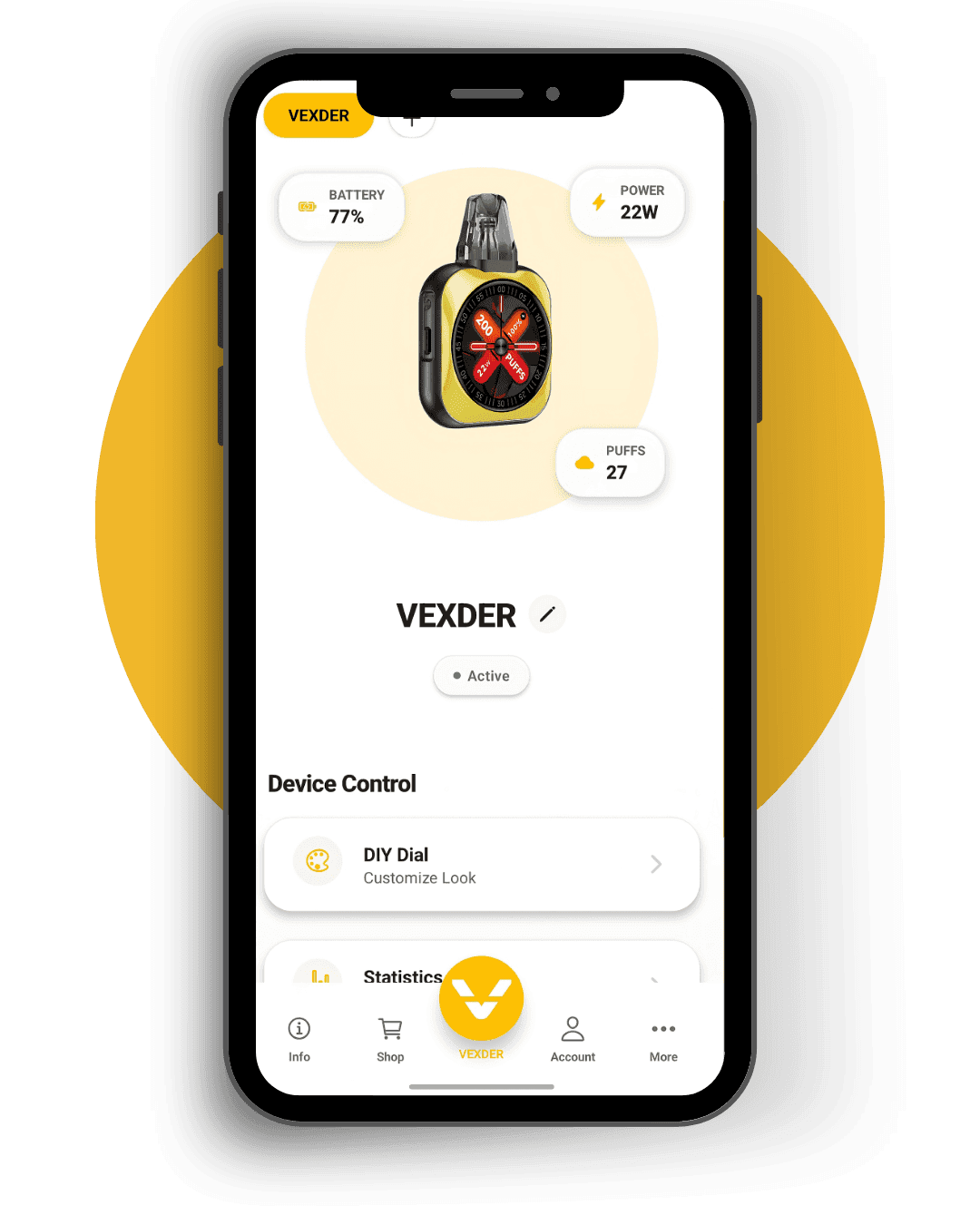
Connect your VEXDER Smart over Bluetooth. Customize your screen, manage settings, and stay in control — right from your phone.
Requires VEXDER Smart hardware — adults 18+ only
Android
Download the VEXDER app, open it, and connect to your device. One tap from Google Play.
iPhone & iPad
On iPhone and iPad, use the Bluefy browser to access the VEXDER web app and connect via Bluetooth.
Bluefy is a browser that supports Web Bluetooth on iOS. Download it free from the App Store.
Open Bluefy and go to app.vexder.com. Sign in and connect to your VEXDER Smart device.
Open Bluefy and go to app.vexder.com. Sign in and connect to your VEXDER Smart device.
